Simple accounting for Macs
If accounting is just one big mystery to you, then you can't get much simpler than TinyBooks Pro
Top Recommended Alternative

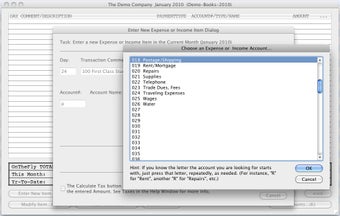
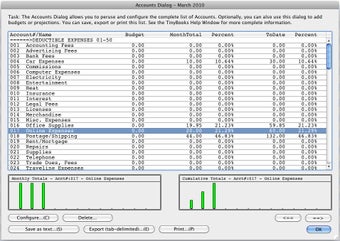
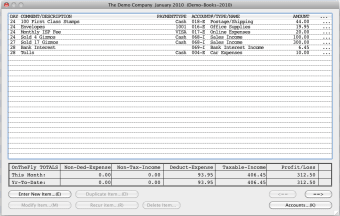
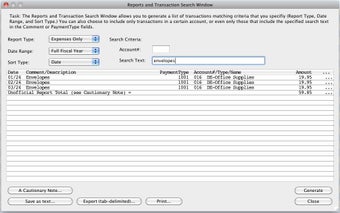
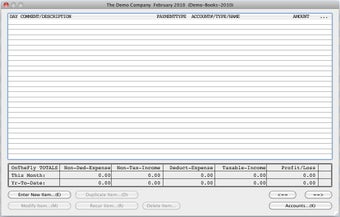
TinyBooks wouldn't win any awards for looks and interface because is about the most basic thing you could ever use. However, this doesn't mean it lacks in functionality and TinyBooks Pro is an ideal financial tool for those wanting to keep things simple when it comes to managing their money. It's especially ideal for small business owners who are new to the world of financial accounting.
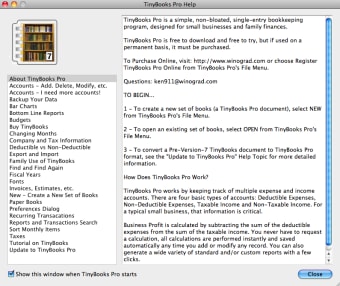
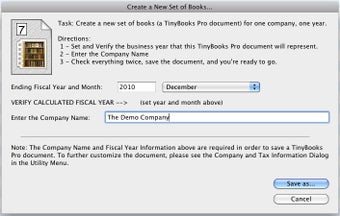
Note that to use TinyBooks Pro, you'll need an Intel Mac. TinyBooks Pro can be a little overwhelming at first because the interface isn't exactly easy on the eye. There are a lot of features and options to take in. When you open it for the first time, you are taken through a wizard to setup your first file. Each TinyBooks Pro document covers one business or account for one year. To create a new TinyBooks Pro document, just select New item from TinyBooks Pro's File Menu.
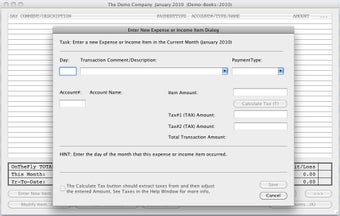
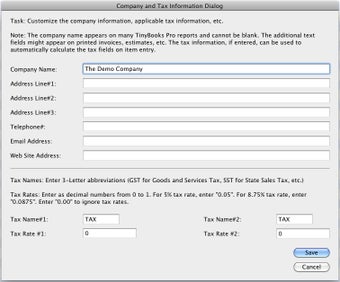
If you want to import data from an external application, TinyBooks Pro will allow you to although its not clear which applications it fully supports as regards this. Managing and tracking taxes is often a main concern of people using software such as TinyBooks Pro and it does handle Sales Tax, GST (Goods and Services Tax), VAT (Value Added Tax), PST (Provincial Sales Tax) and more.
The app generally makes it it easy to add or delete elements and create recurring actions. A nice little extra is that it also lets you print out invoices. However, it's the general look and feel of TinyBooks Pro that will put many off.
TinyBooks might be a bit of an ugly duckling but it should cater for all of your accounting needs especially those starting out for the first time.
Changes
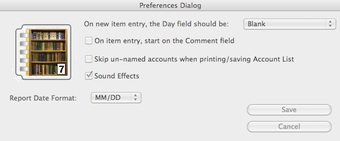
Fixed a bug that prevented the On-The-Fly-Totals from updating as they should, reduced the height of the Invoice Printer dialog to better fit monitors with limited resolutions, added a new Preference to allow the default background color of the Company Area on printed invoices to match the color used in older versions of the non-Pro TinyBooks, updated the text in the Help Window, etc.